Get Tests Information
anta get tests
anta get tests helps you discover tests and render catalog examples from their
documentation. The default, broad anta.tests discovery omits security advisory
tests because they are normally selected from the built-in catalog with
anta psirt. To inspect their catalog examples
explicitly, use --module anta.tests.advisories.
Command overview
$ anta get tests --help
Usage: anta get tests [OPTIONS]

  Show ANTA tests with catalog examples retrieved from their documentation.

Options:
  --module TEXT  Filter tests by module name.  [default: anta.tests]
  --test TEXT    Filter by specific test name. If module is specified,
                 searches only within that module.
  --short        Display test names without their inputs.
  --count        Print only the number of tests found.
  --help         Show this message and exit.
Tip
By default, anta get tests retrieves every non-advisory test available in ANTA. Security advisory tests are rendered only when the requested module is anta.tests.advisories or one of its submodules.
Examples
Default usage
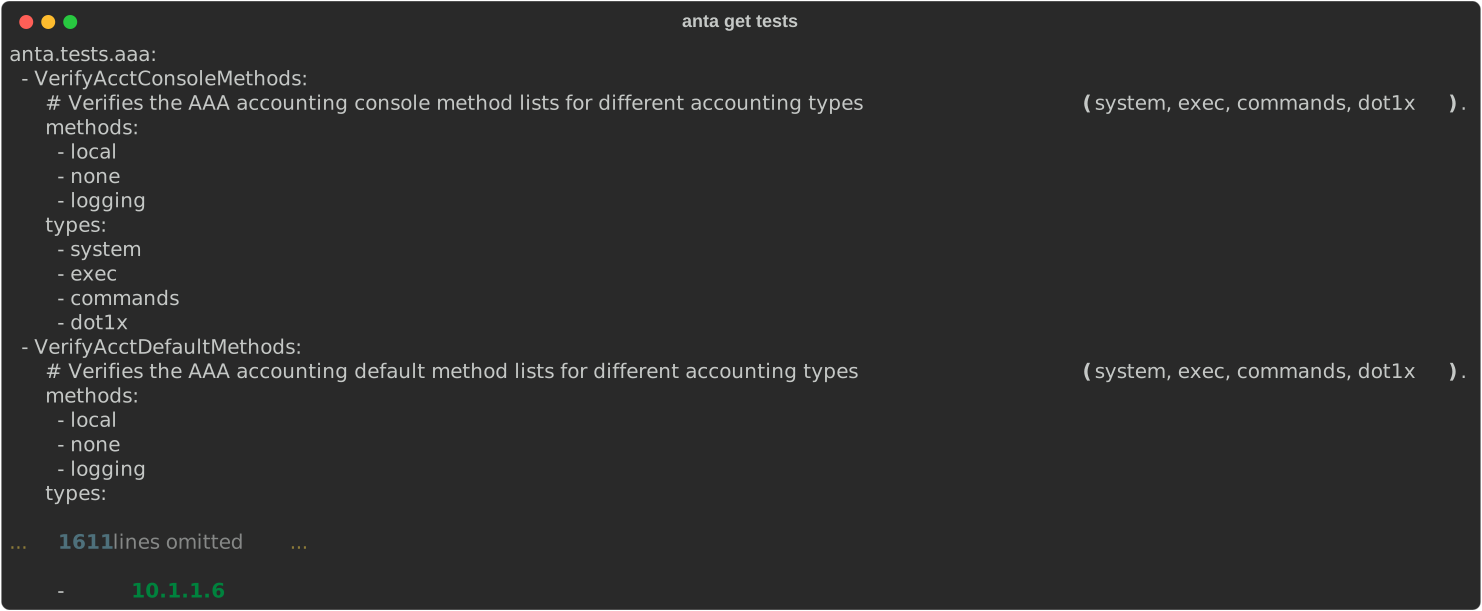
anta get tests
Filtering using --module
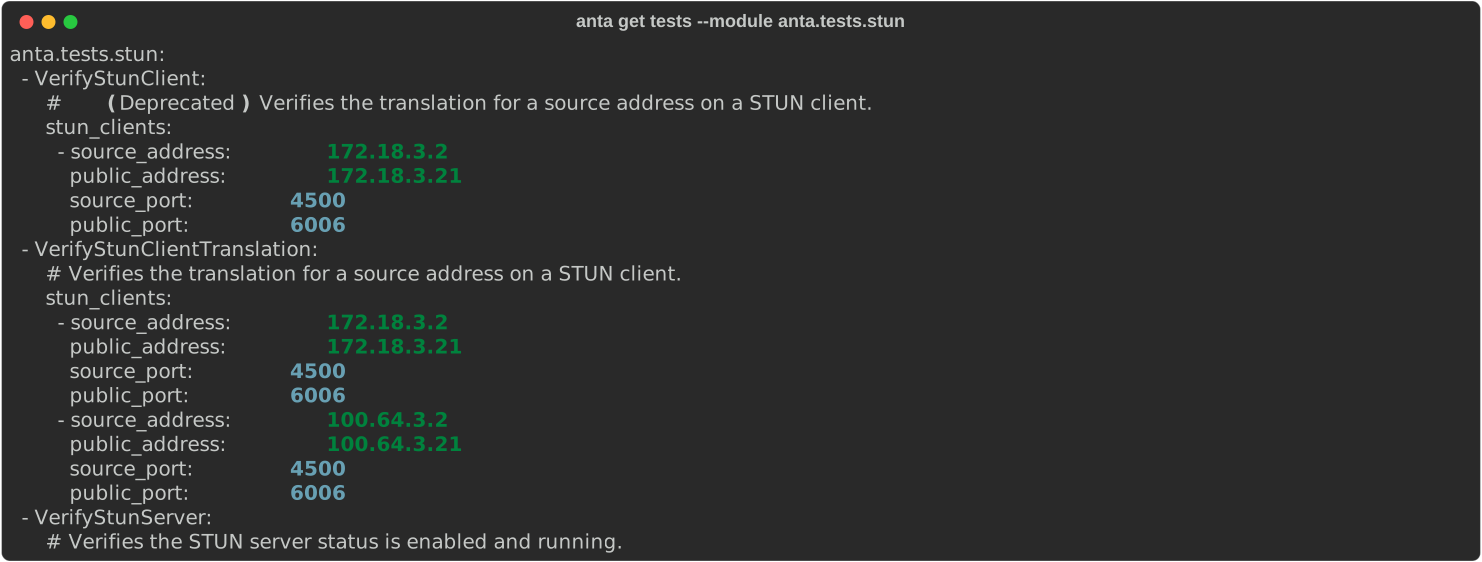
To retrieve all the tests from anta.tests.stun:
anta get tests --module anta.tests.stun
Filtering using --test
anta get tests --test VerifyTacacsSourceIntf

Tip
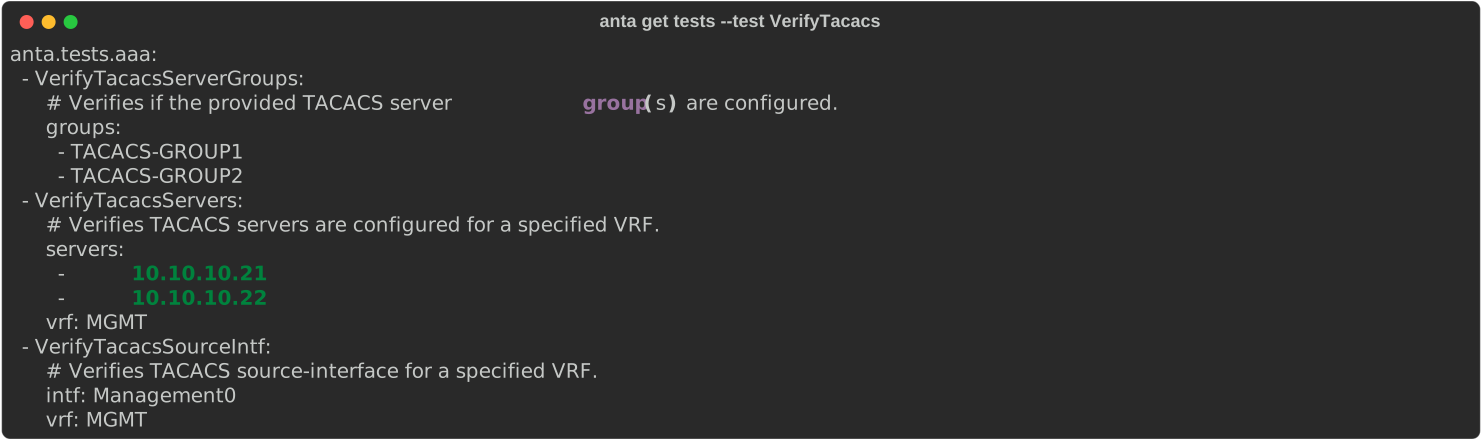
You can filter tests by providing a prefix - ANTA will return all tests that start with your specified string.
anta get tests --test VerifyTacacs
Count the tests
anta get tests --count

anta get commands
anta get commands returns the EOS commands used by the targeted tests. Unlike
anta get tests, this command includes security advisory tests so operators can
identify every EOS command ANTA may execute.
Command overview
$ anta get commands --help
Usage: anta get commands [OPTIONS]

  Print all EOS commands used by the selected ANTA tests.

  It can be filtered by module, test or using a catalog. If no filter is
  given, all built-in ANTA tests commands are retrieved.

Options:
  --module TEXT                 Filter commands by module name.  [default:
                                anta.tests]
  --test TEXT                   Filter by specific test name. If module is
                                specified, searches only within that module.
  -c, --catalog FILE            Path to the test catalog file  [env var:
                                ANTA_CATALOG]
  --catalog-format [yaml|json]  Format of the catalog file, either 'yaml' or
                                'json'  [env var: ANTA_CATALOG_FORMAT]
  --unique                      Print only the unique commands.
  --help                        Show this message and exit.
Tip
By default, anta get commands retrieves commands from all built-in tests, including security advisory tests. Use --module anta.tests.advisories to show only advisory commands.
Examples
Default usage
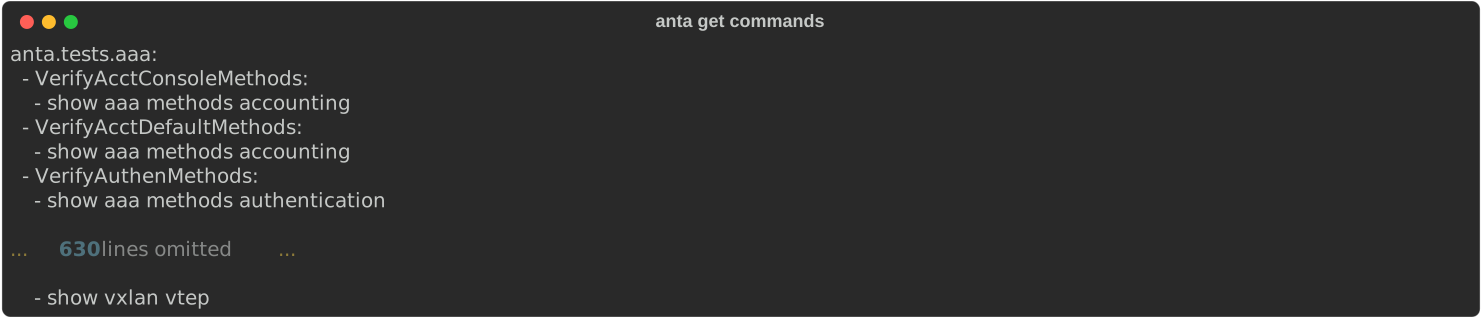
anta get commands
Filtering using --module
To retrieve all the commands from the tests in anta.tests.stun:
anta get commands --module anta.tests.stun

Filtering using --test
anta get commands --test VerifyBGPExchangedRoutes

Tip
You can filter tests by providing a prefix - ANTA will return all tests that start with your specified string.
anta get commands --test VerifyTacacs

Filtering using --catalog
To retrieve all the commands from the tests in the Getting Started catalog:
anta get commands --catalog docs/snippets/getting-started/catalog.yml
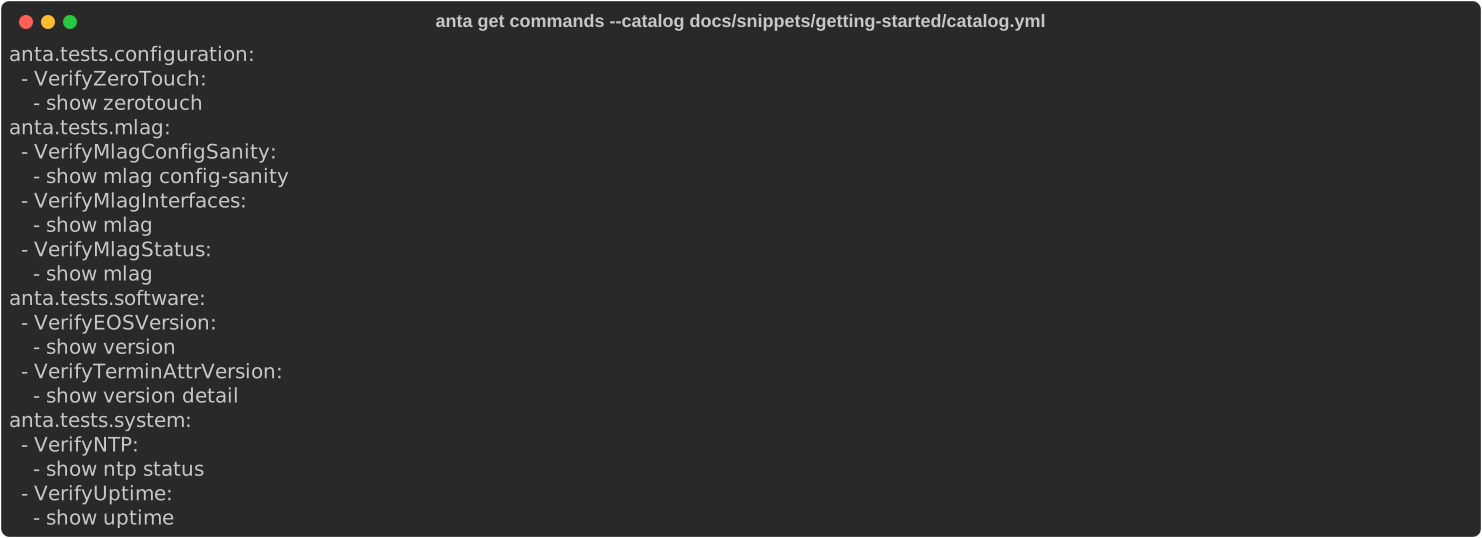
Output using --unique
Using the --unique flag will output only the list of unique commands that will be run which can be useful to configure a AAA system.
For instance, with the previous catalog:
anta get commands --catalog docs/snippets/getting-started/catalog.yml --unique
